Table of contents
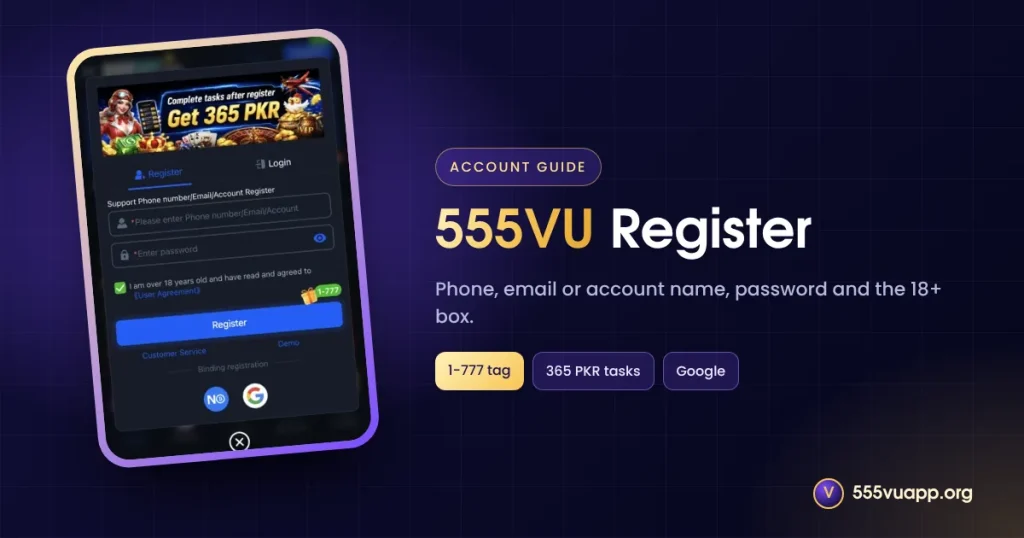
This 555VU register guide walks through the sign-up form field by field, explains the 1-777 tag and the 365 PKR task banner, and lists the mistakes that cause problems later.
Before You 555VU Register
- You must be 18 or older.
- Use a phone number or email you control; an account name also works.
- Pick a password you use nowhere else.
- Save the six official addresses from Find us first.
The 555VU Register Form, Field by Field
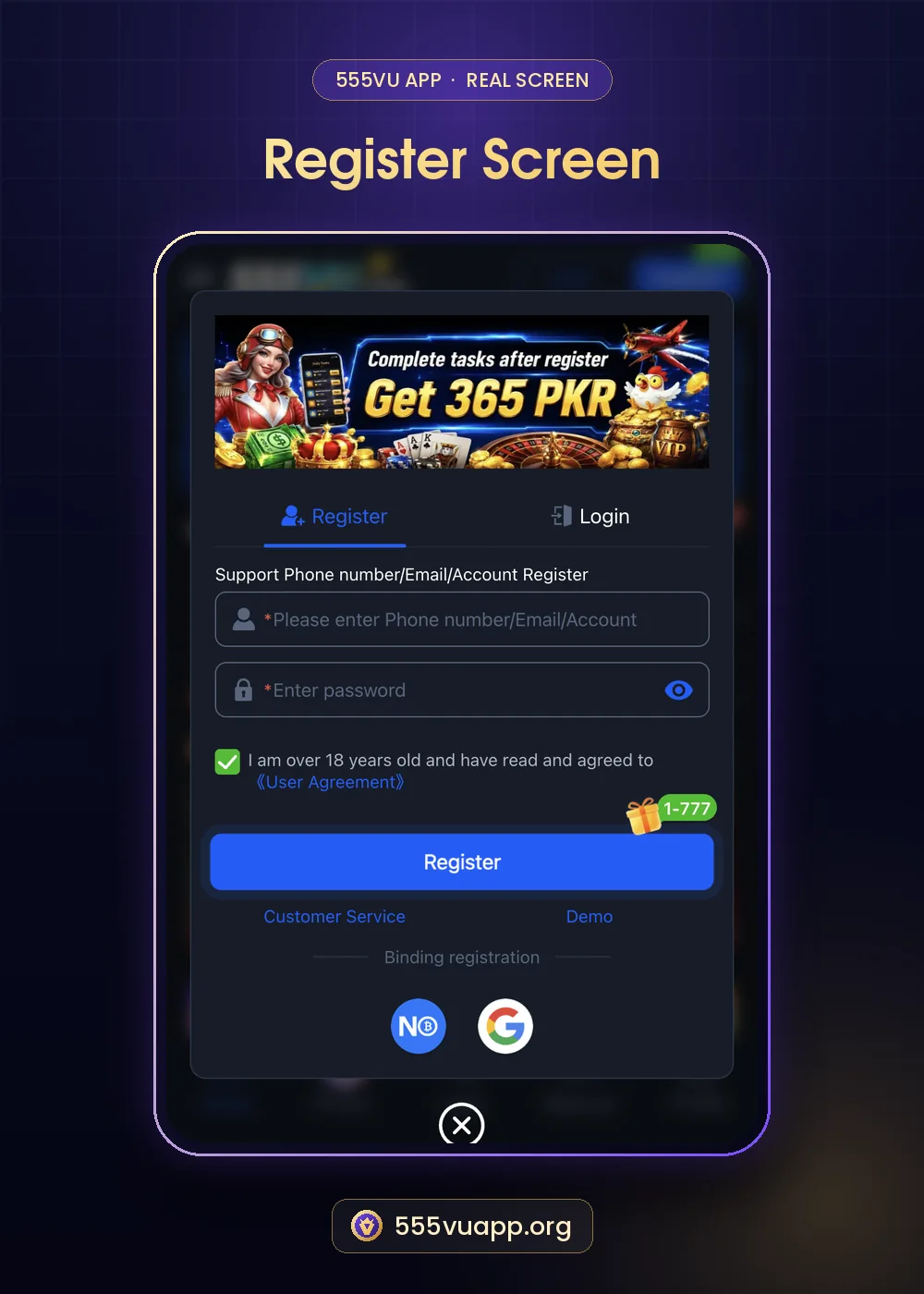
| Field | What to do |
|---|---|
| Phone number / Email / Account | Type a Pakistani mobile number, an email or a username. |
| Enter password | Use 8+ characters; tap the eye icon to check it. |
| 18+ checkbox | Confirms your age and acceptance of the User Agreement. |
| Register button | Shows a 1-777 gift tag. |
- Tap Register in the top bar or bottom tab.
- Fill the fields above.
- Tick the 18+ box and tap Register.
- Open Profile to confirm you are signed in.
Under the button are Customer Service and Demo links, and a Binding registration row with Not Only Wallet and Google. Binding is optional.
What the 1-777 and 365 PKR Messages Mean
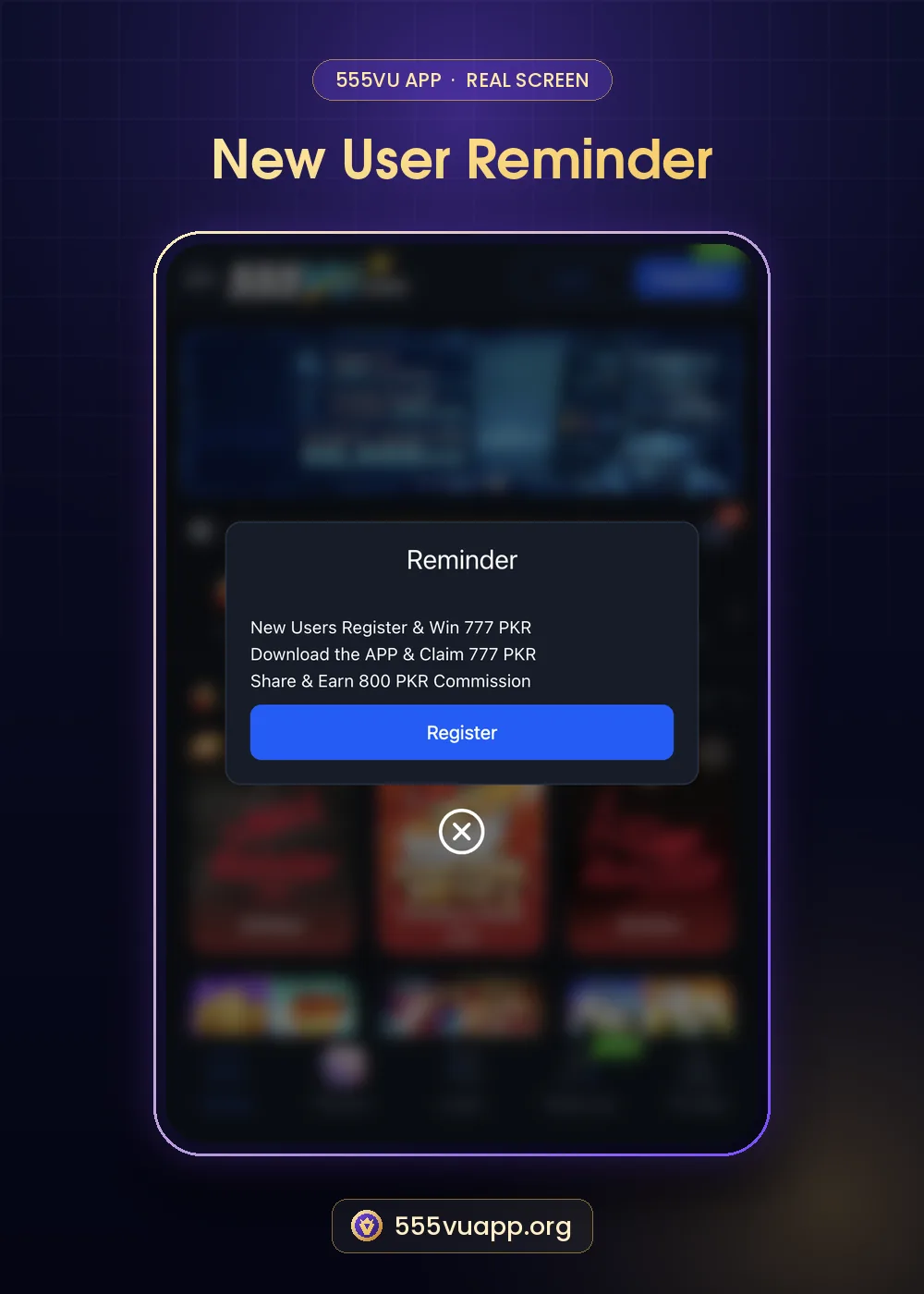
The green 1-777 tag and the reminder (“New Users Register & Win 777 PKR”) describe a range of rewards, while the banner says “Complete tasks after register — Get 365 PKR”. Neither means a fixed amount is credited the moment you sign up. Open the task list after registering to see what each step requires. Our post on the 777 PKR new user offer and the 365 PKR tasks explains them.
Common 555VU Register Mistakes
- Typing a number you may lose access to.
- Reusing a social media password.
- Opening a second account for new-user rewards; duplicates are usually blocked.
- Skipping the Find us list and later landing on a fake site.
Securing a New 555VU Account
Visit Profile → Security Center and complete the options there. Never share codes, and check which SIMs are registered in your name on the PTA website. Next, read the 555VU login guide.
Phone, Email or Account Name: Which to Use?
| Option | Good | Watch out |
|---|---|---|
| Phone | Easy recovery by SMS | You must keep the SIM |
| Works without signal | Check spam for codes | |
| Account name | Private | Harder to recover; link a phone or email later |
After You Register: First Ten Minutes
- Open Profile and confirm you are signed in.
- Open Find us and tap Copy all.
- Open Promo and read the New User items.
- Read the first deposit table without paying yet.
- Write down your monthly budget.
SIM security matters if you registered by phone; the PTA explains how to check SIMs in your name.
555VU Register FAQ
Is 555VU register free?
Yes.
Can I register without a phone number?
Yes. The form accepts an email or an account name too.
Can I register with Google?
Google appears under Binding registration as an option.